
On the invertermotor series the method is
1. Turn it on
2. Turn it off
3.hold the start button until you hear a beep/buzz
4. Turn it back on
This must be done without a break in the sequence and the demo icon will then flash and turn off
Browse
Washers & Dryers
Dishwashers
Cookers, Ovens & Hobs
Fridge Freezers
More Help
Industry Information
Dishwashers
All dishwasher articlesBrowse
Most read
Fridge Freezers
All fridge freezer articlesBrowse
Most read
Demo mode is designed for shop floor display and keeps the machine cycling through a short programme loop without actually washing anything. Once activated - even accidentally - the machine will not accept any normal programme selection until demo mode is switched off.
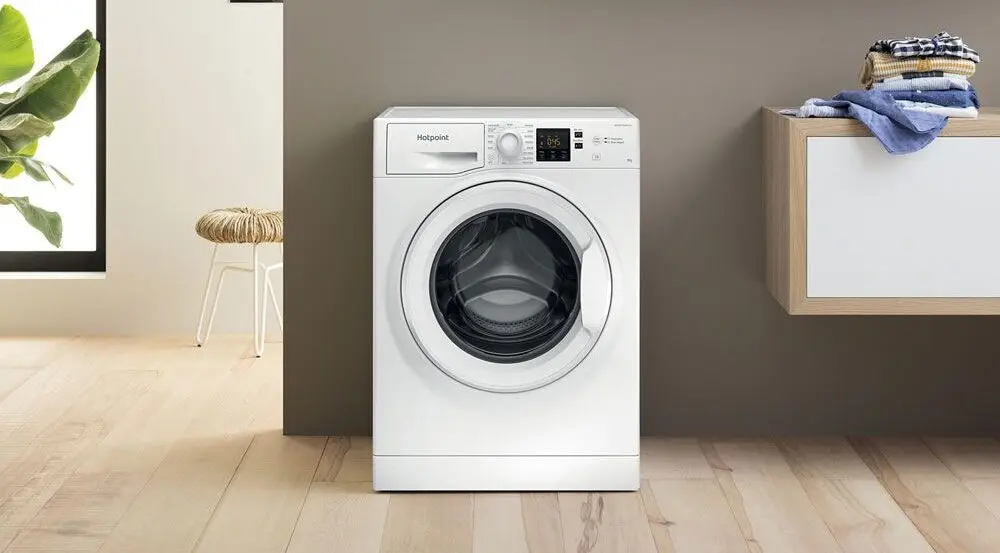
On many Hotpoint models, the Start and Cancel buttons are positioned immediately next to each other. The button combination that activates demo mode requires both to be pressed at the same time - which means something as routine as leaning against the machine or brushing against the control panel can trigger it without the owner realising. The machine then appears to be running normally but ignores any programme selection.
The exact button combination to exit demo mode varies between Hotpoint models and software versions. If none of the methods below work, call Hotpoint customer support with the model number and serial number from the label inside the door - they can confirm the correct procedure for your specific machine.
Try each method in turn. Success is confirmed when d_OFF appears in the display.
None of these methods will cause any harm if they are the wrong combination for your model - they will simply not work. Work through them methodically, giving each attempt a few seconds before moving on.
Call Hotpoint customer support with your model number and serial number (found on the label inside the door). They can confirm the correct exit procedure for your specific model and software version.
If the machine cannot be taken out of demo mode by any button combination, the main control board may be faulty. A failed PCB can lock the machine in demo mode permanently. Board replacement is an expensive repair - get a quote before committing.
If the machine cannot be reset and the control board needs assessment or replacement, a qualified engineer can advise.
It means the machine has entered demo mode - a showroom display mode that runs a short simulated cycle on repeat without actually washing anything. It is activated by pressing two adjacent buttons simultaneously and can be triggered accidentally. The machine will not accept normal programme selection until demo mode is switched off.
Try each of the button combinations listed above in turn. The most commonly successful method is pressing and holding the Start and Cancel buttons simultaneously until “d_OFF” appears in the display. The exact combination varies between models and software versions - if none of the listed methods work, contact Hotpoint with your model and serial number for the correct procedure.
On many Hotpoint models, the Start and Cancel buttons are positioned directly next to each other and the demo mode activation combination requires both to be pressed at the same time. A hand or arm brushing across the control panel, or something leaning against the machine at the right point, is enough to trigger it accidentally.
If no button combination produces the d_OFF display, first call Hotpoint customer support with your model and serial number to confirm the correct procedure for your specific model. If that fails, the main control board may be faulty and locking the machine in demo mode permanently. Board replacement is an expensive repair - get a written quote before proceeding.
Here’s where to go next.
Grouped into 17 comment threads.
On the invertermotor series the method is
1. Turn it on
2. Turn it off
3.hold the start button until you hear a beep/buzz
4. Turn it back on
This must be done without a break in the sequence and the demo icon will then flash and turn off
My washer is stuck on demo it’s hotpoint inverter motor 8kg 3 months old
Likely replying to Kerry Brown
Hello Kerry. If none of the procedures in this article turn it off then it’s likely that they have changed and different procedures work for yours. If you are confident it’s in a demo mode and not just developed a fault I can’t think why the manufacturer shouldn’t be able to help you by telling you how to take it out of demo mode. I can’t legitimately be a secret.
Thanks. Glad to have helped.
Great stuff thanks for the advice. Method 5 worked for me. Phew. Now to wash all those dirty clothes!!
Method 5 worked - thanks so much! Saved a huge call out charge :)
Thank you so much. Final suggestion solved problem. Have baby and elderly mother making lots of laundry. Couldn’t be more grateful.
Excellent service solved my problem instantly
Excellent advice, thank you. No. 5 worked on my hotpoint aquarius. Was dreading spending money on a callout or even a new machine. Called hotpoint and all they suggested was unplugging machine to reset it. They should put this in manual. Thanks again.
Wow, that was a close call. I have to admit the first time I came across this I thought the pcb must have gone, but that was about 10 years ago when the issue first showed.
thank you i called out an engineer and he said i needed a new board and it would be cheaper to buy a new machine i wasnt convinced so i looked on the internet and found your page i tried your tips and it finally went off and is working lovely now you have saved me 200 pound
excellent advice been trying to get it to work all day used your number one first and it worked straight away thank you 5*****
I have a Hotpoint Aquarius washer drier. Tried all your suggestions and method 5 worked with no problem. Thank you!
Thanks method one worked first time, my instruction manual was no use at all but you came up with the answer.
Excellent :) Thanks for the feedback.
Method 5 worked!
Thanks.
had been talked through method 4 by Hotpoint team but it didn’t work whereas your method 5 worked first time . thanks
Method 2 worked for me …. thank you