Replacing a Cooker or Oven Fan Motor
Replacing an oven fan motor can seem daunting at first, but with the right tools and a little know-how, it can be done in no time. Here are the steps to remove and replace an oven fan motor:
Before we begin…
- Disconnect the appliance from any power supply and isolate the supply so it cannot be accidentally reconnected while you are working on it.
- Wear gloves! While appliances are nice and smooth on the exterior and pose no risk to cuts etc, the inside of appliances can be extremely sharp as they are not designed for consumers hands to be inside the machine.
- If you are not confident in attempting any repair to a domestic appliance, then call an expert.
Materials needed:
- Replacement Oven Fan Motor
- Screwdriver
- Needle-nose pliers
- Wire stripper
- Multimeter
Instructions:
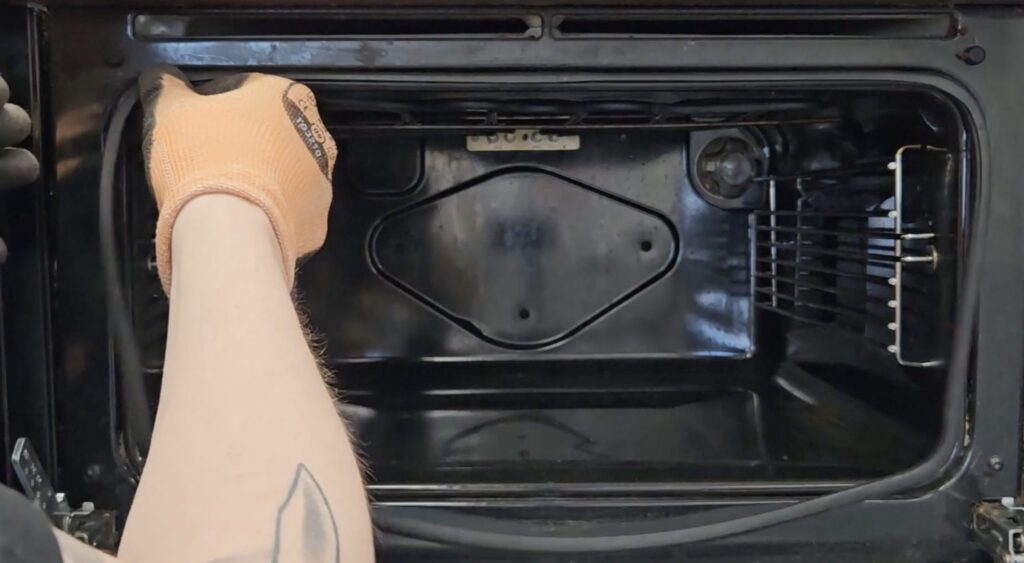
- Remove the fan cover – The fan cover is located inside the oven and covers the fan motor. You will need to remove the screws that hold the cover in place. Once the screws are removed, you can carefully remove the cover.
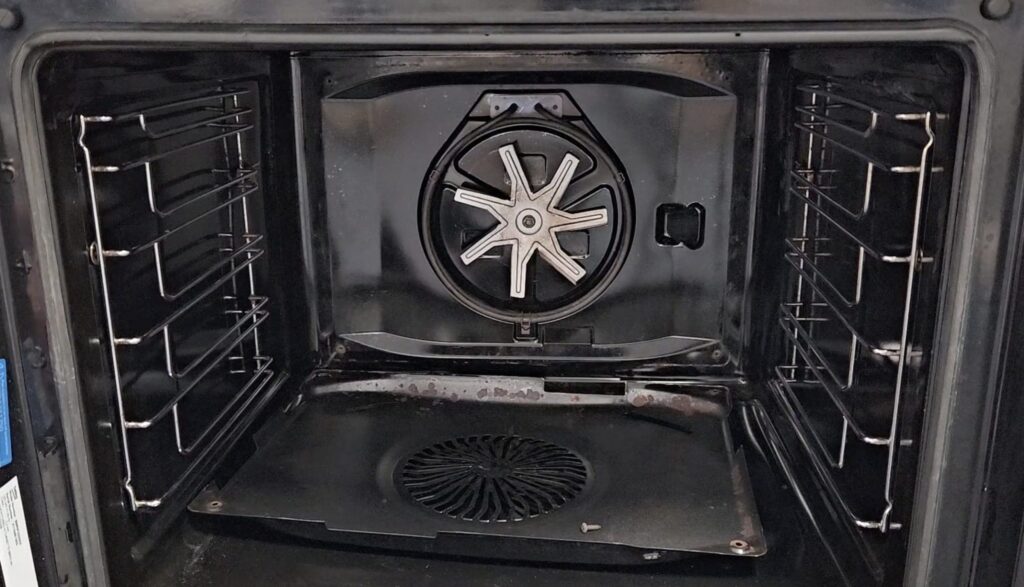
- Remove the fan blade – The fan blade is attached to the fan motor and will need to be removed before you can remove the fan motor. To remove the fan blade, you will need to unscrew the nut that holds it in place. Once the nut is removed, you can carefully remove the fan blade.
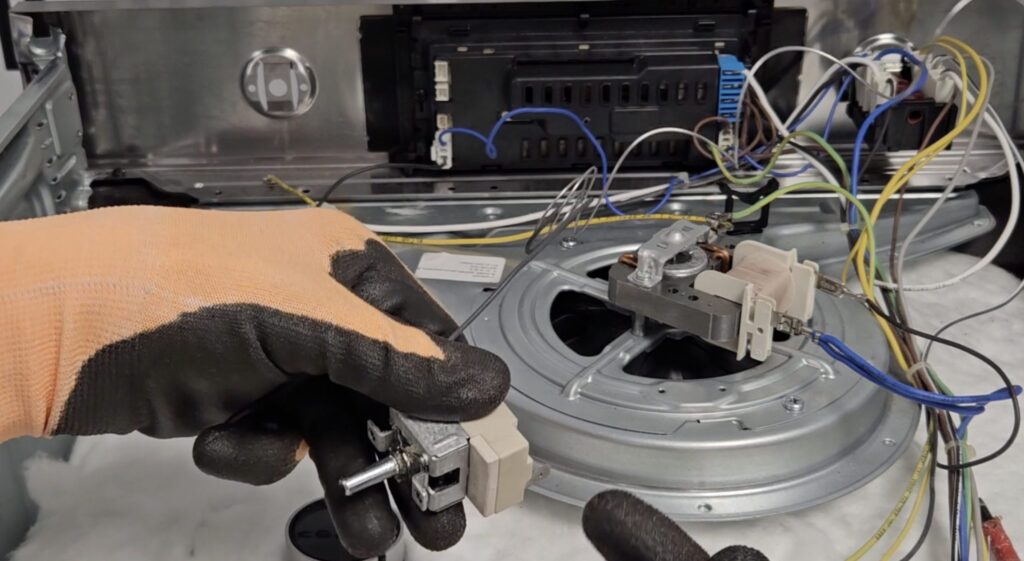
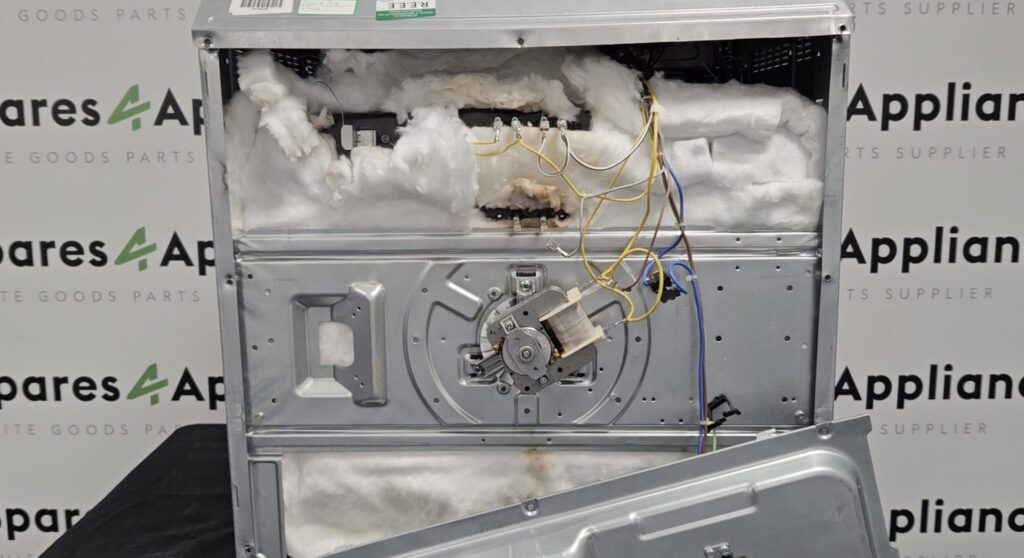
- Disconnect the fan motor – The fan motor is connected to the oven with wires. You will need to disconnect these wires before you can remove the fan motor. Take a picture or make a note of the wiring connections so that you can reconnect them later. Once the wires are disconnected, you can remove the fan motor from the oven.
- Install the new fan motor – Now that you have removed the old fan motor, it’s time to install the new one. Simply follow the steps in reverse order. Connect the wiring to the new fan motor, attach the fan blade, and replace the fan cover.
- Turn on the power and test the oven – Once you have installed the new fan motor, turn the power back on and test the oven. Turn the oven on and make sure the fan is running smoothly. If everything is working properly, you have successfully replaced your oven fan motor.
If you encounter any difficulties, contact a qualified technician for assistance.
For further Cooker & Hob Spares, trust Whitegoods Help!